How to Make a Digital Birthday Card with Photos and Music (Step-by-Step Guide)
Paper cards end up in a drawer. An interactive birthday card with your photos and their favourite song gets replayed. Here is how to make one.
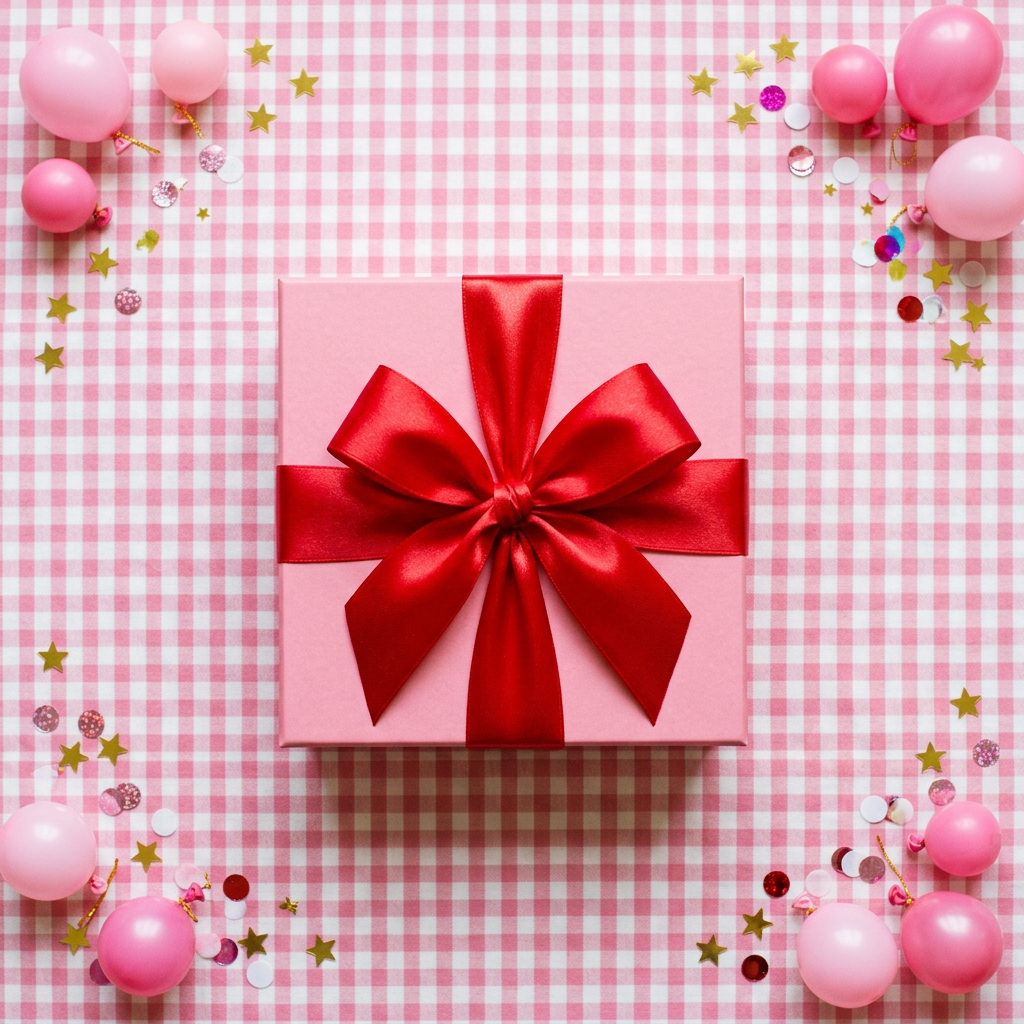
What makes a digital birthday card special
A good digital birthday card is more than an e-card with a cartoon cake. It should feel like a tiny experience made just for them: something to open, photos that bring back memories, a message in your own words and a song that sets the mood.
What you need before you start
Gather these first and the whole thing takes about ten minutes:
- 3 to 10 favourite photos of the two of you (straight from your phone is fine).
- A short message or letter. Aim for 4 to 8 sentences.
- A YouTube or Spotify link to their favourite song.
- Optional: a few places that matter to you both, to pin on a map.
- Optional: a 4-digit secret code they will know, like their birthday.
Step 1: choose a template
Pick an opening that fits their personality. The Surprise Gift Box lets them tap to unwrap a present, perfect for birthdays. The Golden Scratch Card hides a photo under shimmering gold foil they scratch away with their finger.
Try this templateSurprise Gift BoxFree to try · $6.99 to sendStep 2: add your photos and captions
Upload your photos in the editor. Add a short caption to each one: where it was taken, or a private joke only they will understand. Captions are what turn a gallery into a story.
Step 3: write the birthday message
Start with a memory, say what you love about them and end with a wish for their year ahead. Do not worry about sounding poetic; sounding like you is what matters.
Step 4: add music and your map
Paste the link to their favourite song so it plays as they scroll through the card. Then pin a few meaningful places on the interactive map, like where you celebrated their last birthday, and add a caption to each pin.
Step 5: preview, publish and share
Use the live preview to see exactly what they will see on their phone. When you are happy, publish it and share the link on WhatsApp, Instagram or by text, or download the QR code to put inside a physical card or a gift box.
Tip: send it at midnight in their timezone so it is the first birthday message they get.
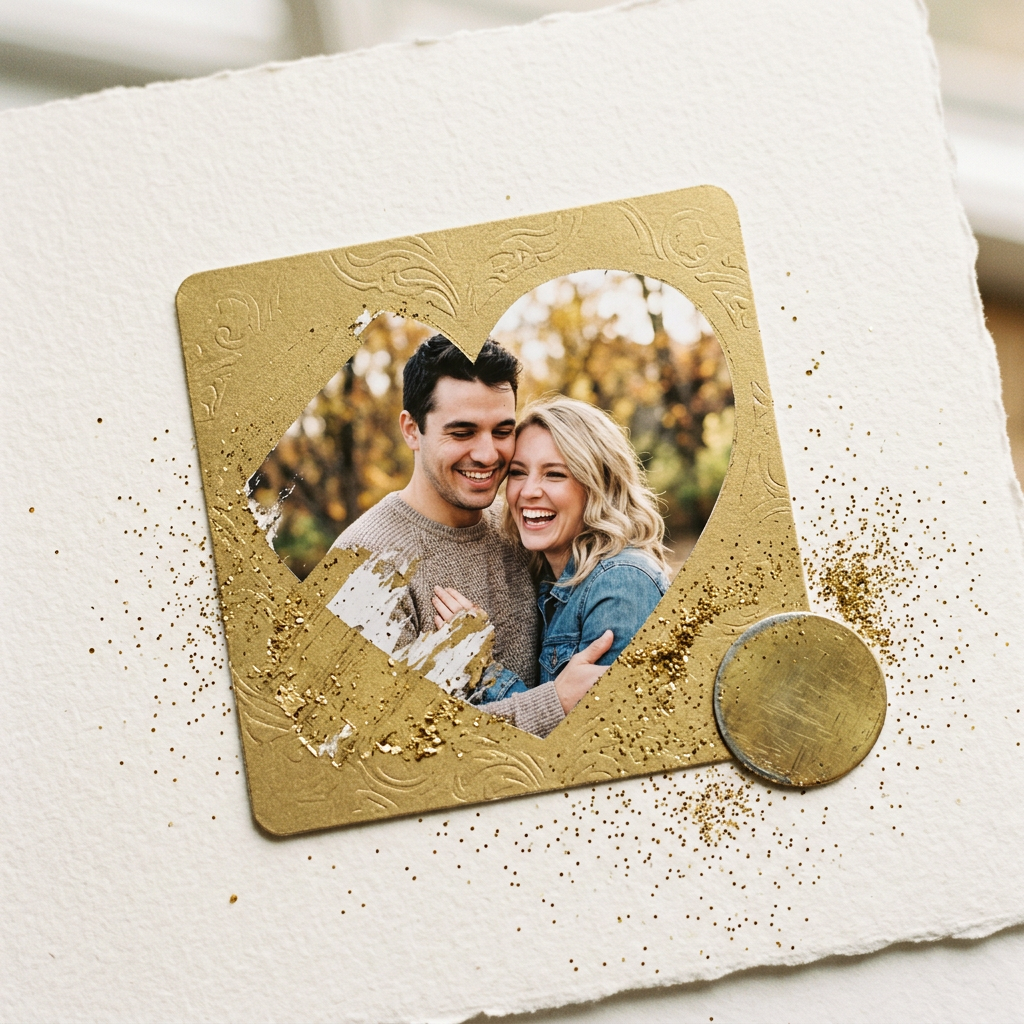 Try this templateGolden Scratch CardFree to try · $6.99 to send
Frequently asked questions
Can I add music to a digital birthday card?
Yes. Paste a YouTube or Spotify link and the song plays in the background while they open and scroll through the card.
How do I send a digital birthday card on WhatsApp?
After publishing, tap Share and choose WhatsApp, or copy the link and paste it into any chat. It opens directly in their phone browser with no app needed.
Can I edit the card after sending it?
Yes. Edit it from your dashboard and the same link updates instantly, so you never need to resend it.